Are you new to the world of game scripts and want to know how to get started? 👇
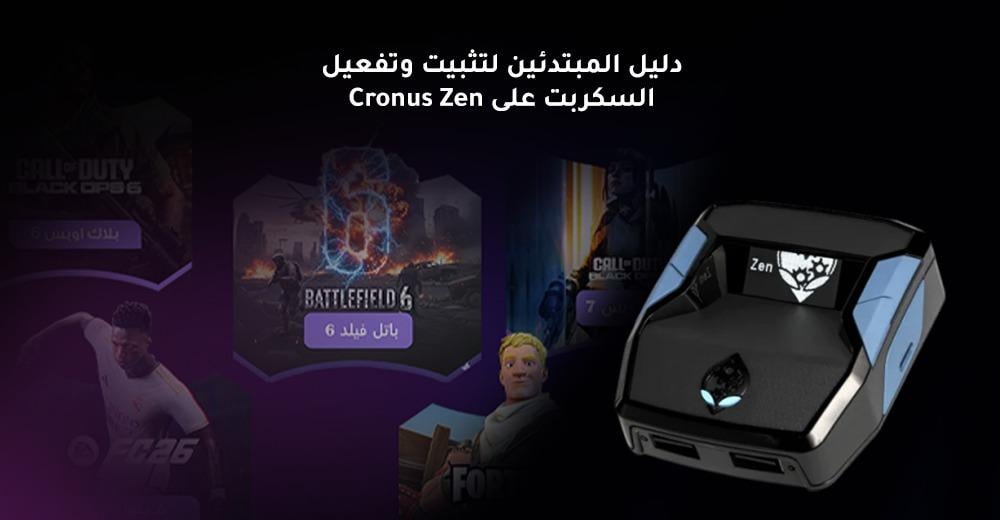
In this article, we provide you with a beginner's guide to installing the Cronus Zen script step by step, from downloading to running, in a simple and easy way even if you have no technical experience.
🎯 What is Cronus Zen?
Cronus Zen is a smart device that connects between the controller and the device (PS5 – PS4 – Xbox – PC).
Its function is to run game scripts , such as Aim Assist , Anti Recoil , and automatic movements in games like Warzone and Apex Legends .
In short, the piece transforms your gameplay from ordinary to professional without requiring any technical skills.
⚙️ Before you begin: Cronus Zen script installation requirements
Before you begin installing the Cronus Zen script , make sure the following are available:
- The Cronus Zen device is genuine.
- A computer running Windows .
- USB cable for connecting the device.
- The latest version of Zen Studio software .
- Account on the site Lucifer Scripts To download the required script.
🔗 If you want to know more about compatible devices, browse the section Cut the horn .
🧩 Step 1: Download and install Zen Studio software
- Visit the official Cronus website .
- Download the Zen Studio software that is compatible with your device.
- Install the program on your computer.
- Connect the Kronos Zen device to the cable and run the program.
💡 Make sure the program recognizes the piece the first time before moving on to the next step.
🎮 Step 2: Download the script from Lucifer Scripts
After preparing the piece, go to the site Lucifer Scripts :
- Log in or create a new account.
- Choose the game for which you want the script, such as:
- Apex Legends script
- Warzone script.
- Download the script file after purchase.
- Open Zen Studio → “Programmer” tab.
- Drag the script file to the bottom boxes.
- Click “Program Device” to load the script onto the device.
⚡ Step 3: Activate the script while playing
After installing the script, follow these steps:
- Connect the device to your device (PS/Xbox/PC).
- Run the game, then activate the script using the specified buttons (they vary depending on the script).
- Try features like Aim Assist and Zero Recoil and see the difference for yourself.
💬 Every Lucifer Script comes with a detailed explanation file that explains the activation method and the required buttons.
🧠 Tips for beginners in Kronos Zen programming
- Start with the default settings ; do not change the values until after experimentation.
- Try the script in training mode before the official matches.
- Make sure to update the scripts regularly , as they improve periodically.
- Use a script that is compatible with the game and the device to avoid errors or delays.
- Try the Xim Matrix piece if you prefer playing with a mouse and keyboard for more precise performance.
💪 Why choose Lucifer Scripts?
Because you won't just get a script, but a complete experience of support and quality:
- Precisely programmed scripts for the most popular games.
- Continuous updates at no extra charge.
- Direct and fast technical support via WhatsApp.
- Visual and text explanations for each script.
Check out our articles in The Lucifer Scripts blog , for example :
Article Summary
Using this comprehensive guide to installing the Cronus Zen script , you can start playing like a pro from the very first time.
All you need is the piece, the program, and the script from Lucifer Scripts , and the rest is just a few simple steps.
Whether you play Warzone, Apex Legends, or Fortnite , Lucifer Scripts give you a competitive edge that keeps you always on top.